Step 1
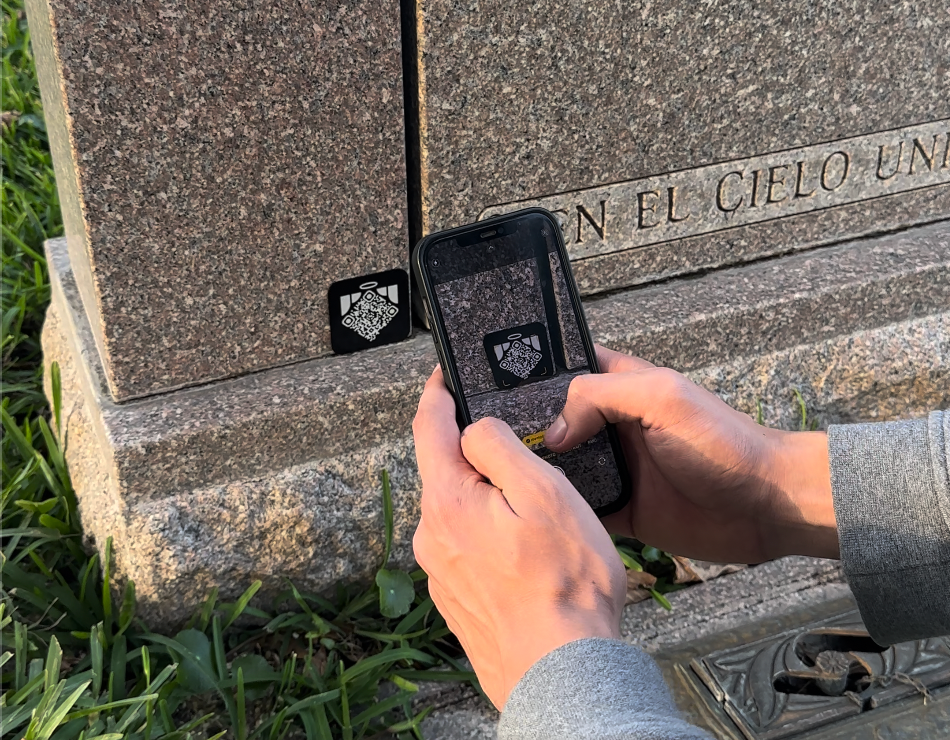
Scan the code
Open your phone camera and point it at the QR code. Tap the link that appears.

Instructions
One unique code, one secure owner and four simple steps.
Step 1
Open your phone camera and point it at the QR code. Tap the link that appears.
Step 2
On the first scan, create your secure Memoriv account. The code is linked to you once.
Step 3
Add a portrait, biography, dates, timeline, photos, video, audio, files and resting place.
Step 4
Clean and dry the surface, remove the protective backing and press the medallion firmly in place.
Scan it now or enter the printed code from your account. An unclaimed code can only be linked once.
Sign in to continue